Multisig DAO Creation
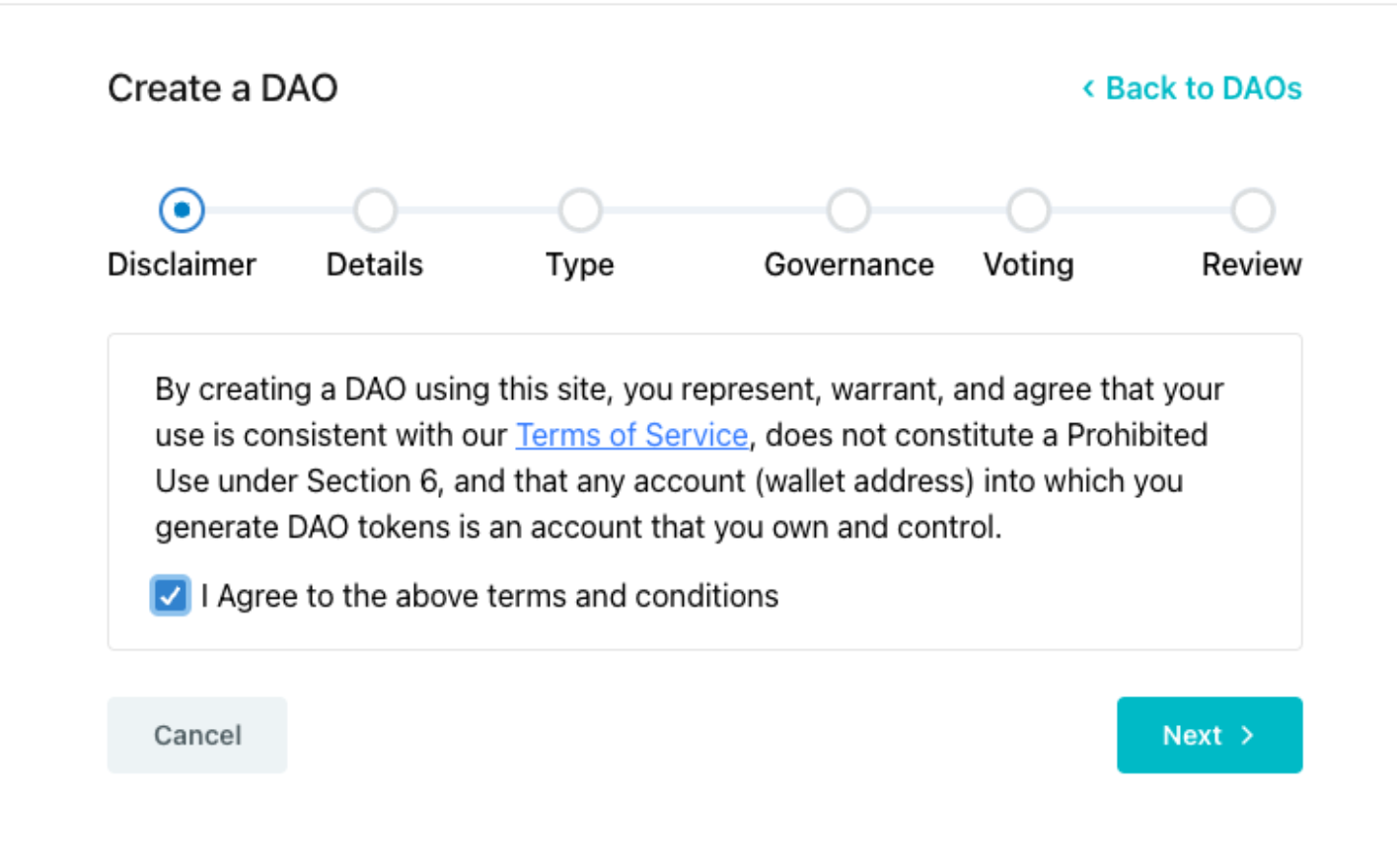
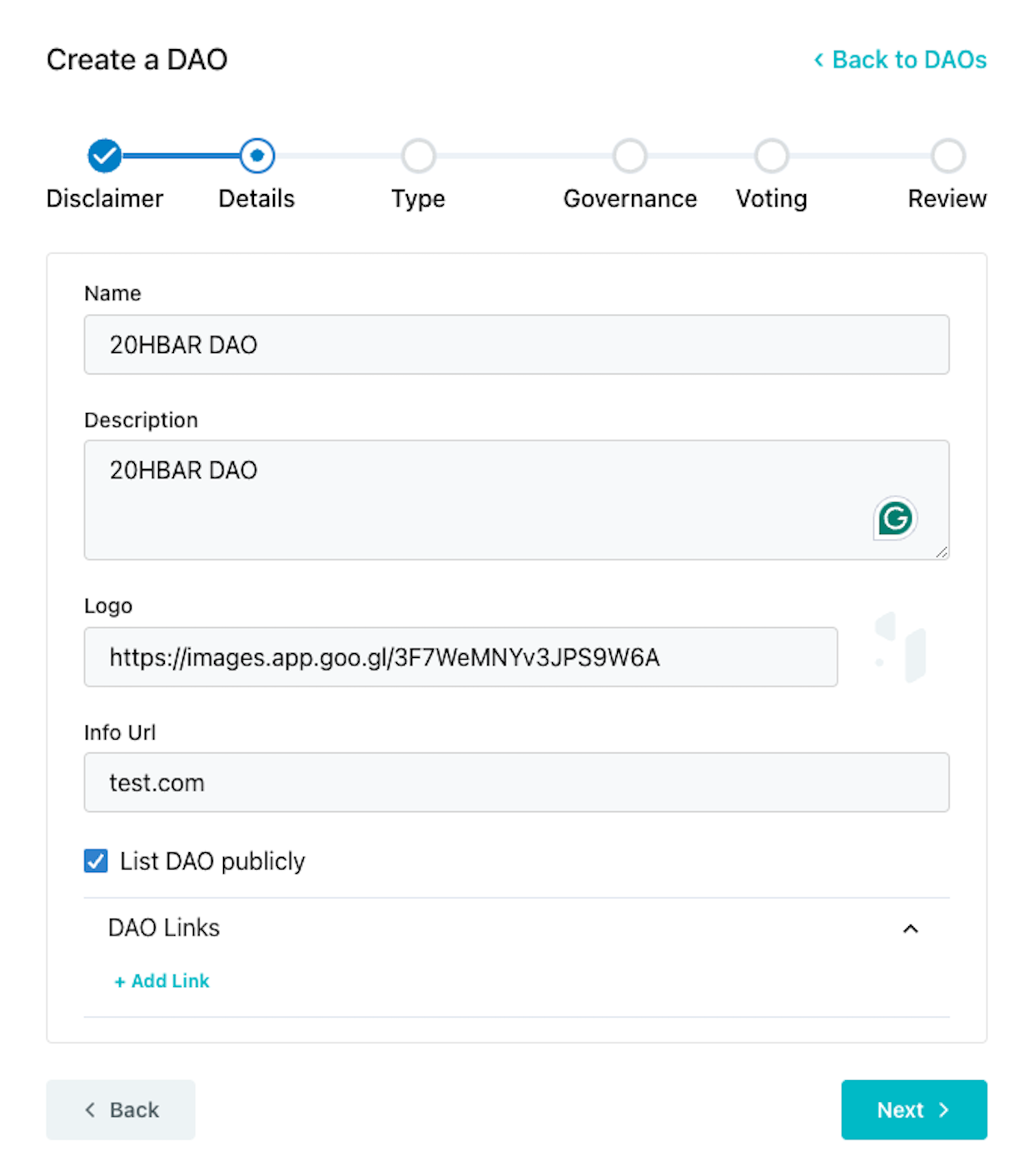
After creating and funding a Hedera account, navigate to the HashioDAO web application dashboard and connect your wallet. Once your wallet is connected, click Create a new DAO and this will guide you through a series of setup steps where you will define the details of your DAO including name and governance type.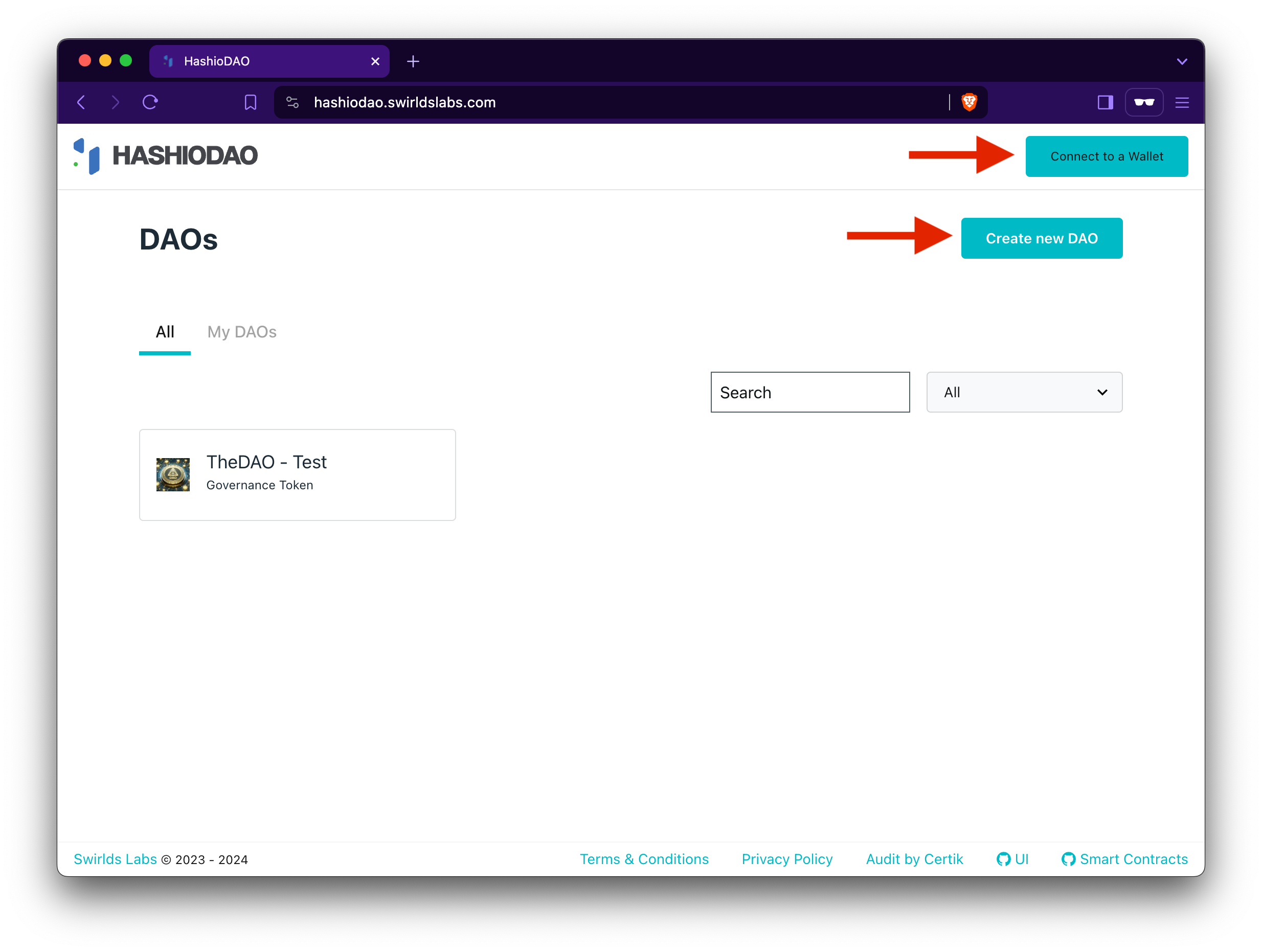
Governance Models
Choose the governance model that works best with your organizations’s goals. There are three models to choose from: governance token, multisig, and NFT.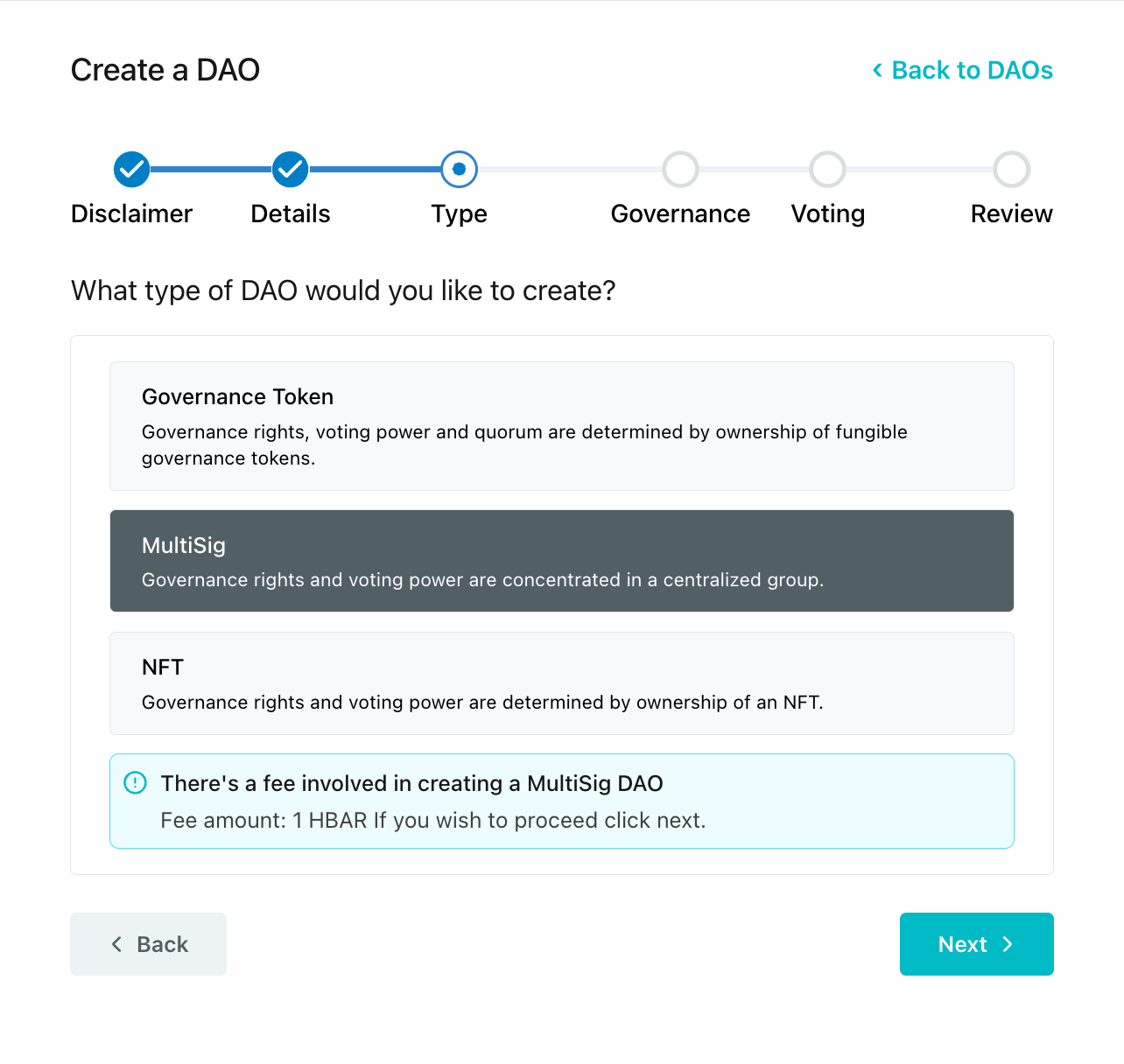
createDAO() function is called on the MultisigDaoFactory factory contract when you create a multisig DAO. This initiates a new DAO treasury smart contract based on the parameters you set for you token. These parameters will be set in the next step.
Set Admin Account
Setting an admin account ID designates the account as the primary administrator responsible for initiating transactions and managing the multisig wallet.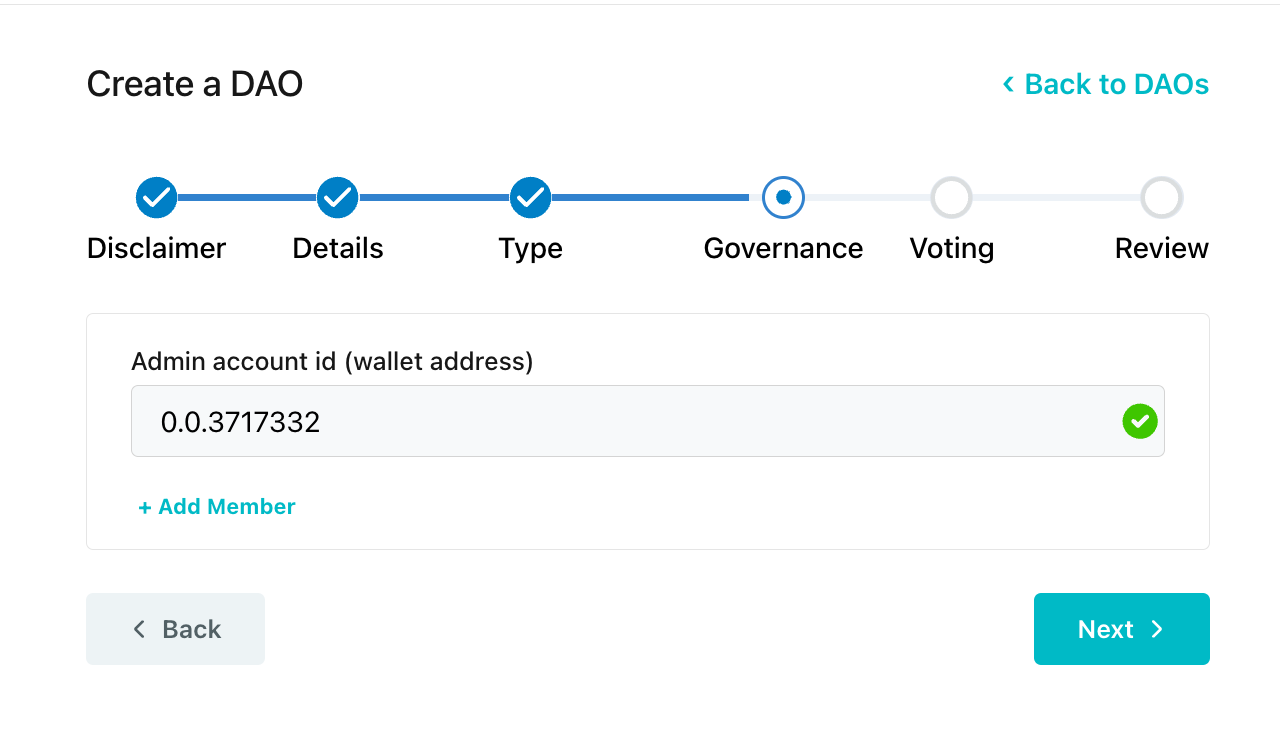
Define Threshold
Define the threshold. This is the minimum number of signers required before executing transactions.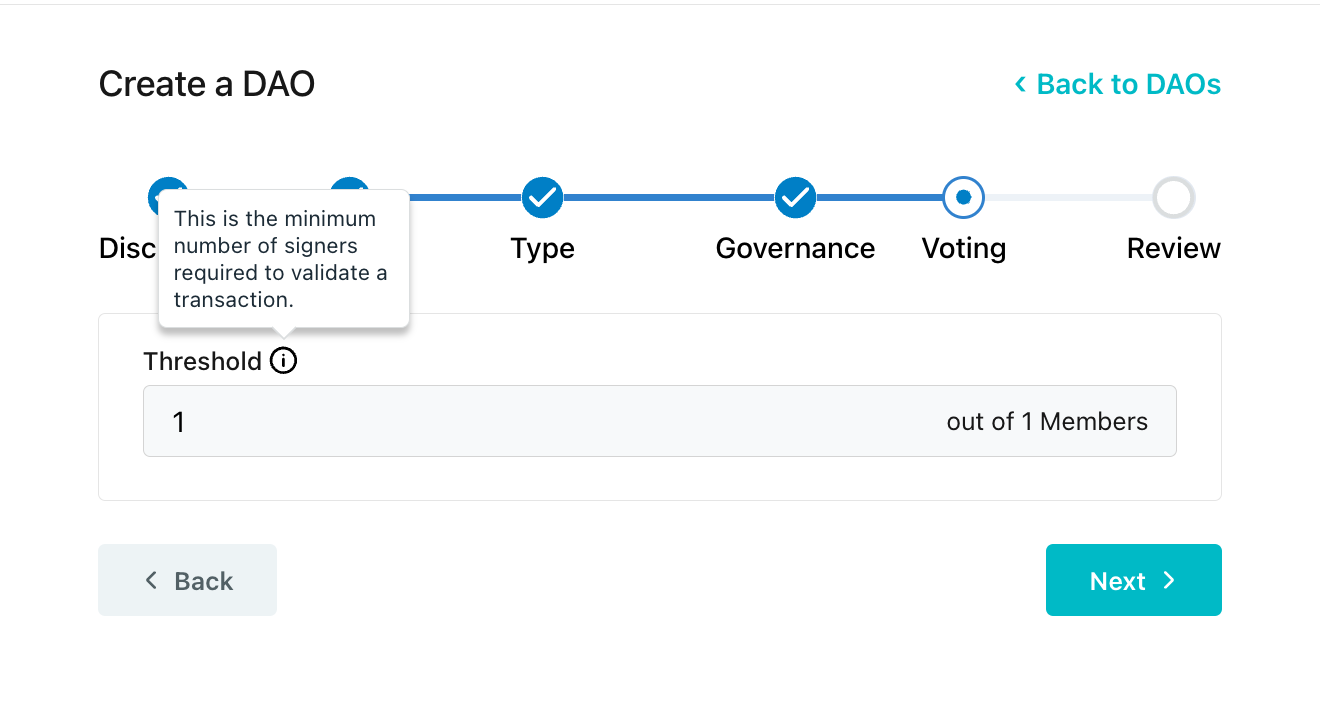
Review and Submit to Create DAO
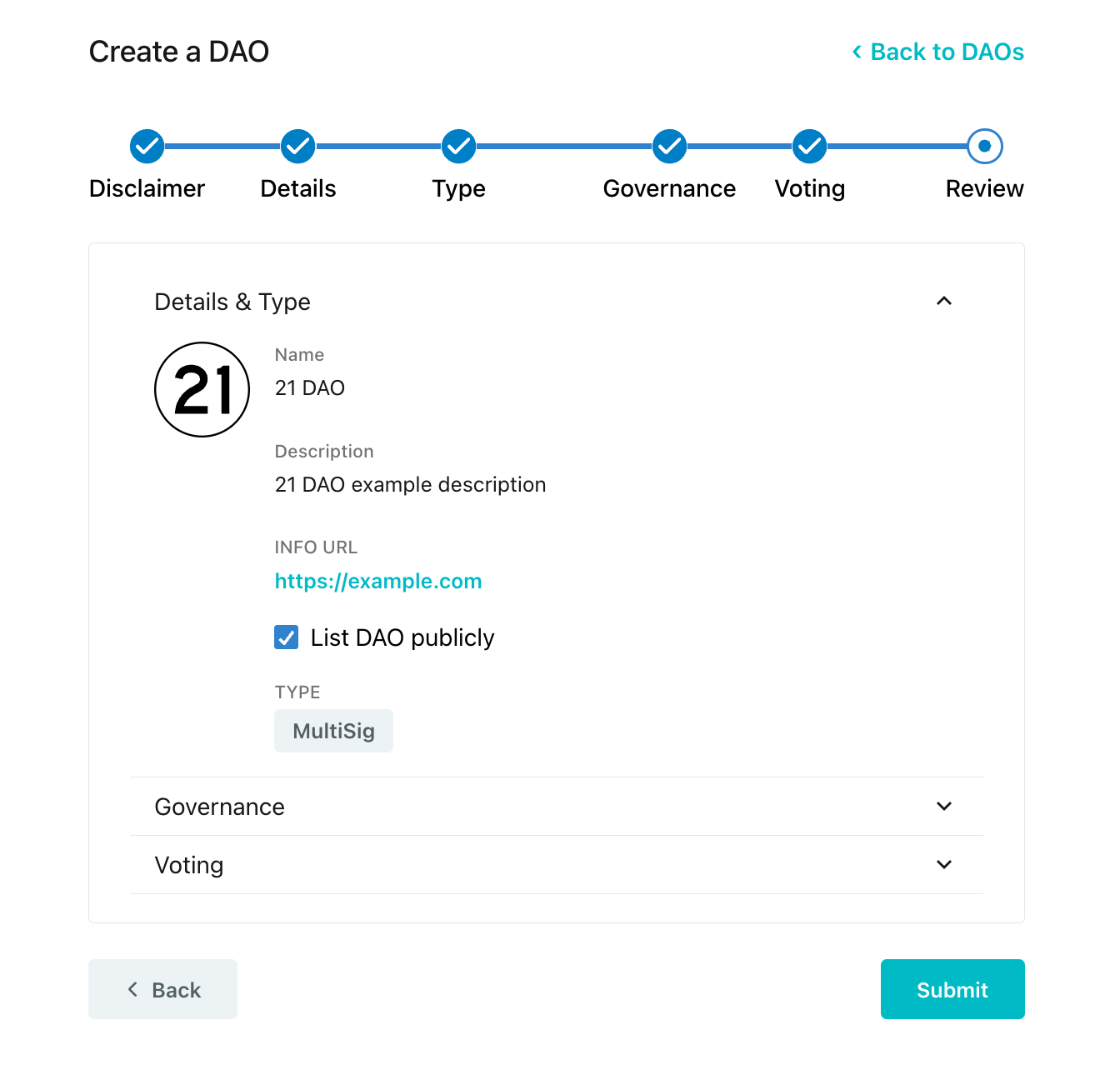
Review the DAO details, governance type, and submit the transaction. Approve the DAO creation transaction in your wallet to proceed.